
 This is how to install an indicator on your MT4 platform
1.Copy the MT4 indicator file you want to use (mql4 or ex4 file).
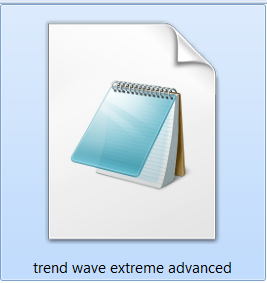
2.Open your MT4 client terminal and go to File/Open Data Folder

3. Open MQL4 folder

4.Open the indicators folder and paste the file there
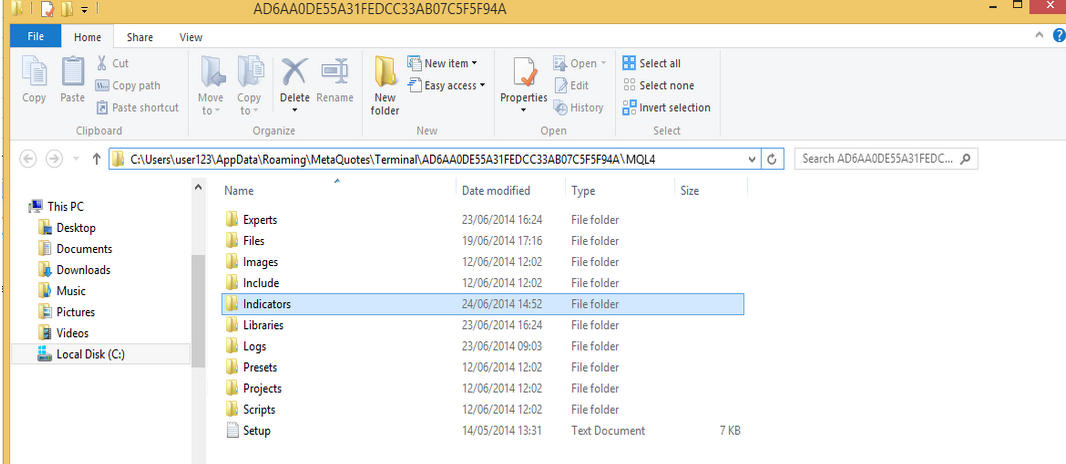
5. Restart the MT4 platform and go to the Navigator window and click on the Indicators
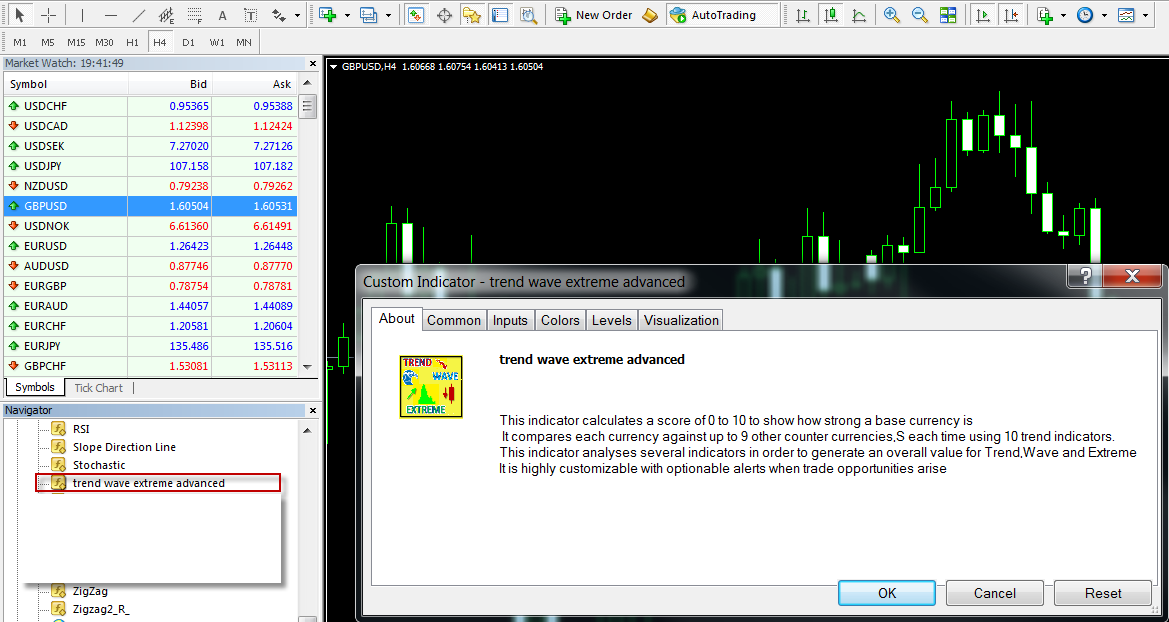
6. Find your indicator, press right click and select attach to a chart
7. A popup window will appear , confirm the parameters click ok and the indicator will start working
Note: In order to install an expert advisor, repeat the same process and paste the file in the experts folder instead of the indicators folder.